
Manage · Purge
Unused Worksets
Find worksets with no elements and delete the ones you no longer need.
When to use it
Use this during model cleanup, after a template transfer, or when workset names have drifted and empty worksets are sitting in the file.
Why it exists
Empty worksets clutter the Worksets dialog, confuse ownership, and make it harder to see which worksets actually carry the model.
How to use it
-
Open Unused Worksets
On the ✚ Annon App tab, open Purge and choose Unused Worksets.
-
Review the list
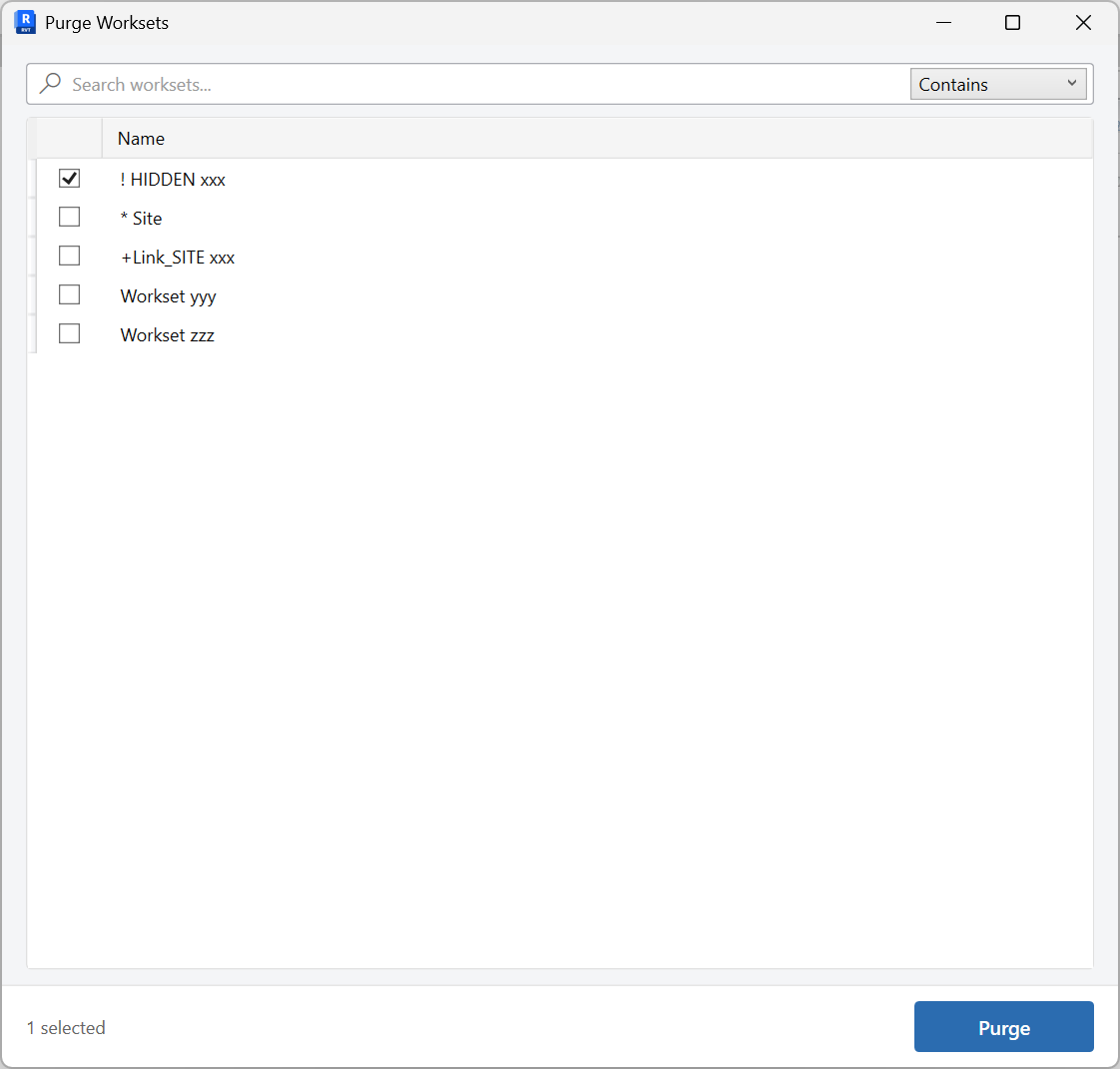
The window lists worksets that currently contain no elements. Use search if the list is long.
-
Check what to remove
Select only the worksets you are sure you do not need. Leave shared or standards worksets unchecked if your office still uses them.
-
Purge
Confirm the deletion. Worksets that later receive elements will not reappear here until they are empty again.
Keep in mind
- This does not delete worksets that still have elements on them.
- If a workset is empty only because elements were temporarily deleted, recreate it with Create Worksets.
Related tools
 Create Worksets
Create or rename worksets from a grid you can edit, paste into, or fill from Excel.
Create Worksets
Create or rename worksets from a grid you can edit, paste into, or fill from Excel.
 Assign Worksets
Assign worksets to Revit links, CAD links, or levels and grids, with optional pinning and link renaming.
Assign Worksets
Assign worksets to Revit links, CAD links, or levels and grids, with optional pinning and link renaming.
 Purge Sheets and Views
Review and purge project sheets and views from one window, with a tab for each list.
Purge Sheets and Views
Review and purge project sheets and views from one window, with a tab for each list.