
Annotations and Selection · Grids Plus
Grids Match
Copy grid extents from a source view to other views, optionally including grid dimensions.
When to use it
Use this when plans, area plans, or related views should show the same grid crop, after you set one view up correctly.
Why it exists
Dragging grid grips view-by-view is how one plan prints short of the building. Matching extents from a source view keeps the set consistent.
How to use it
-
Open Grids Match
On the ✚ Annon App tab, open Grids Plus and choose Grids Match.
-
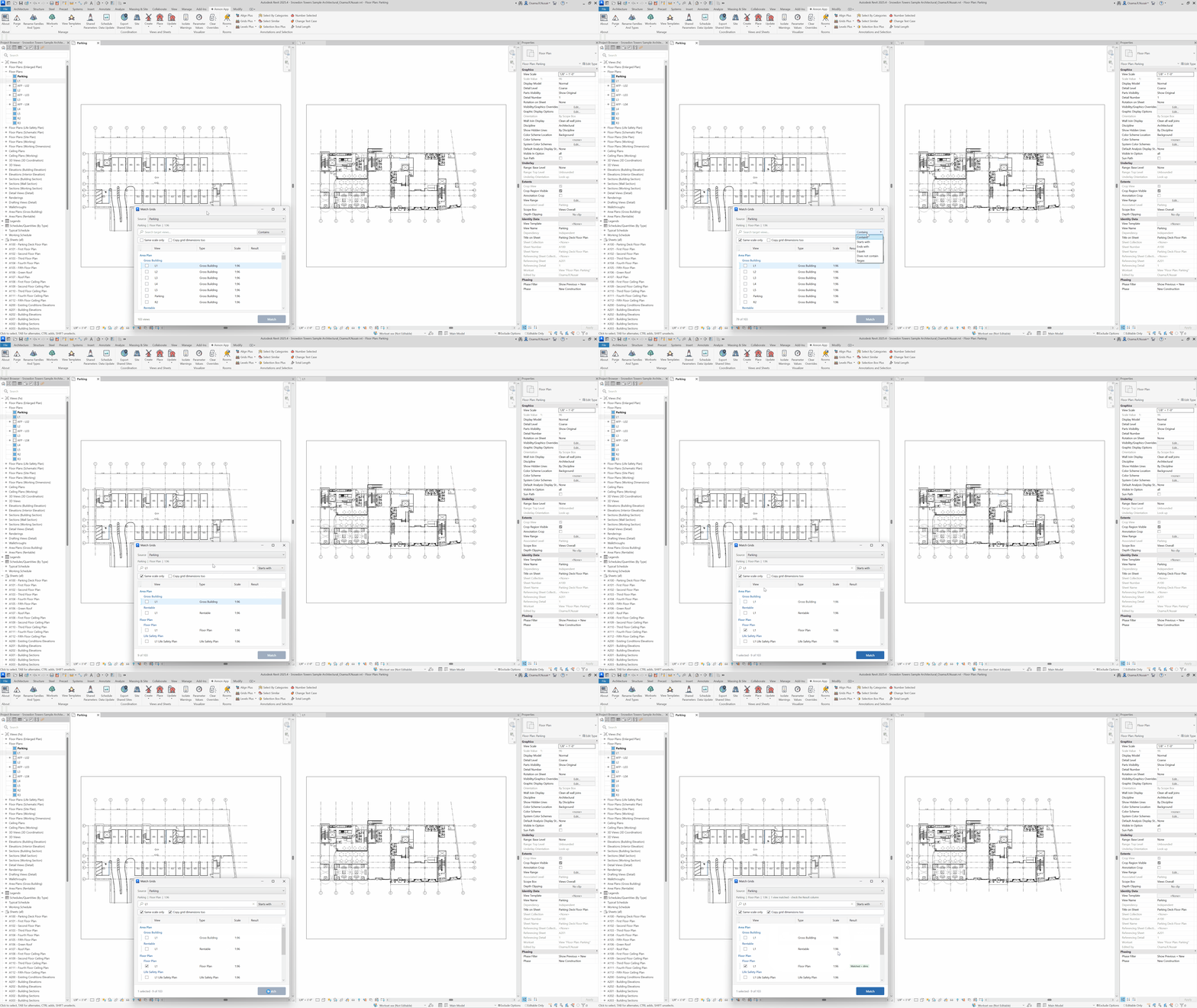
Pick the source view
Choose the view whose grid extents are correct.
-
Select target views
Targets are grouped by view family and type. Optionally limit to Same scale only.
-
Match
Copy extents. Enable copying grid dimensions if those should travel with the grids.
Keep in mind
- Set bubbles first with Grids Bubble if ends should also match a standard.
- Levels have a matching tool: Levels Match.
Related tools
 Grids Bubble
Show or hide grid bubbles at each end, for the current selection or all grids in the view.
Grids Bubble
Show or hide grid bubbles at each end, for the current selection or all grids in the view.
 Grids Dimensions
Place dimensions between parallel grids for the selection or the current view.
Grids Dimensions
Place dimensions between parallel grids for the selection or the current view.
 Levels Match
Copy level extents from a source view to other views, optionally including level dimensions.
Levels Match
Copy level extents from a source view to other views, optionally including level dimensions.