Purge Unused Views
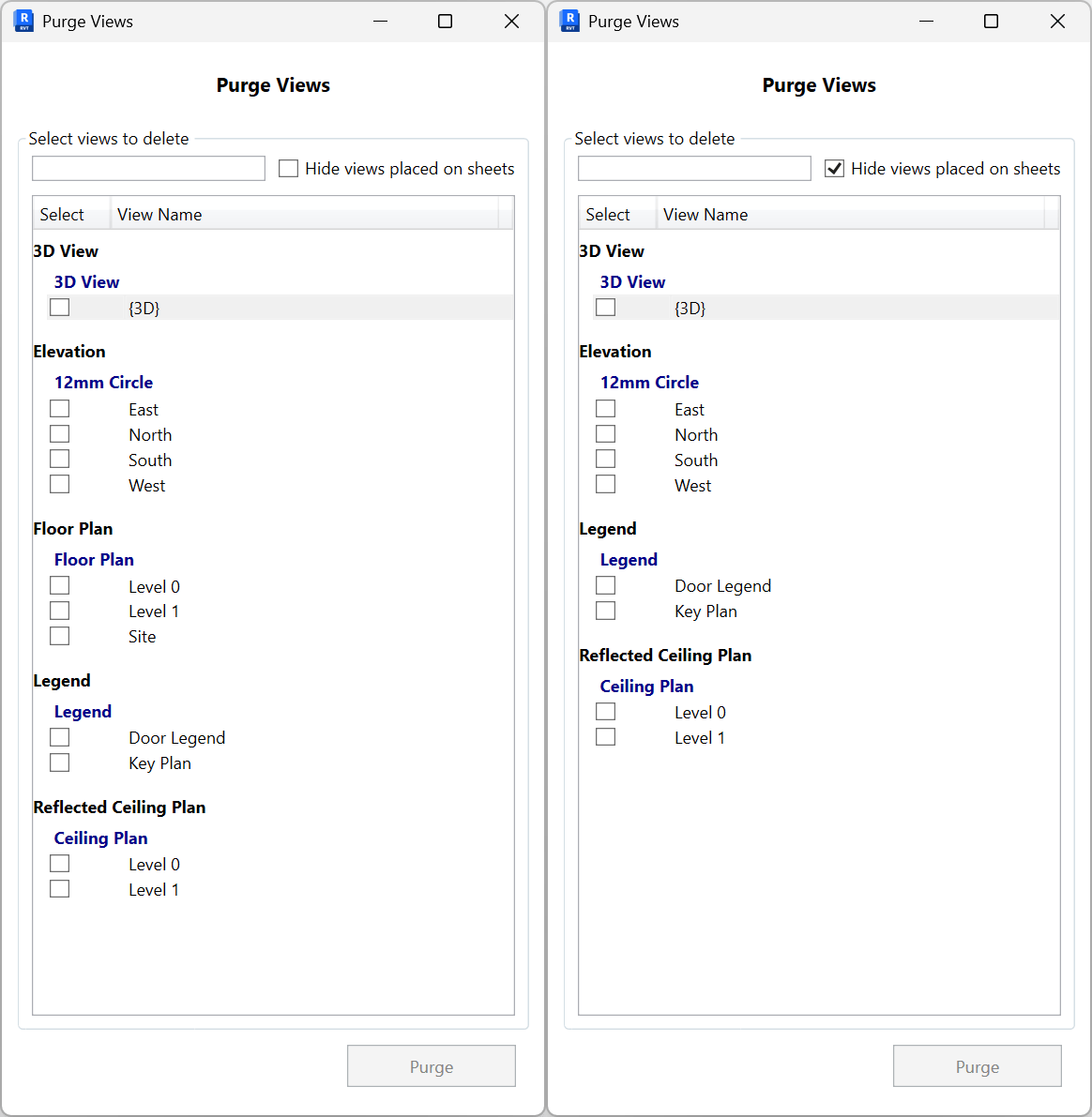
Remove unwanted views in bulk. Filter the list, optionally hide views placed on sheets, select rows, then purge.
- Filter. Use the search box to narrow by view name.
- Hide placed views. Check Hide views placed on sheets to exclude views already placed on sheets from the list.
- Select views. The list is grouped by View Type (e.g., 3D View, Elevation, Floor Plan, Legend, Reflected Ceiling Plan). Turn on the checkboxes next to the views you want to delete.
- Purge. Click Purge to delete the selected views. The button enables only when at least one view is selected.